How to Remember Birthdays and Important Dates (Without an App You Forget to Open)
The systems that actually work for remembering birthdays and important dates, plus how a texting AI assistant can just handle it for you.
 folk team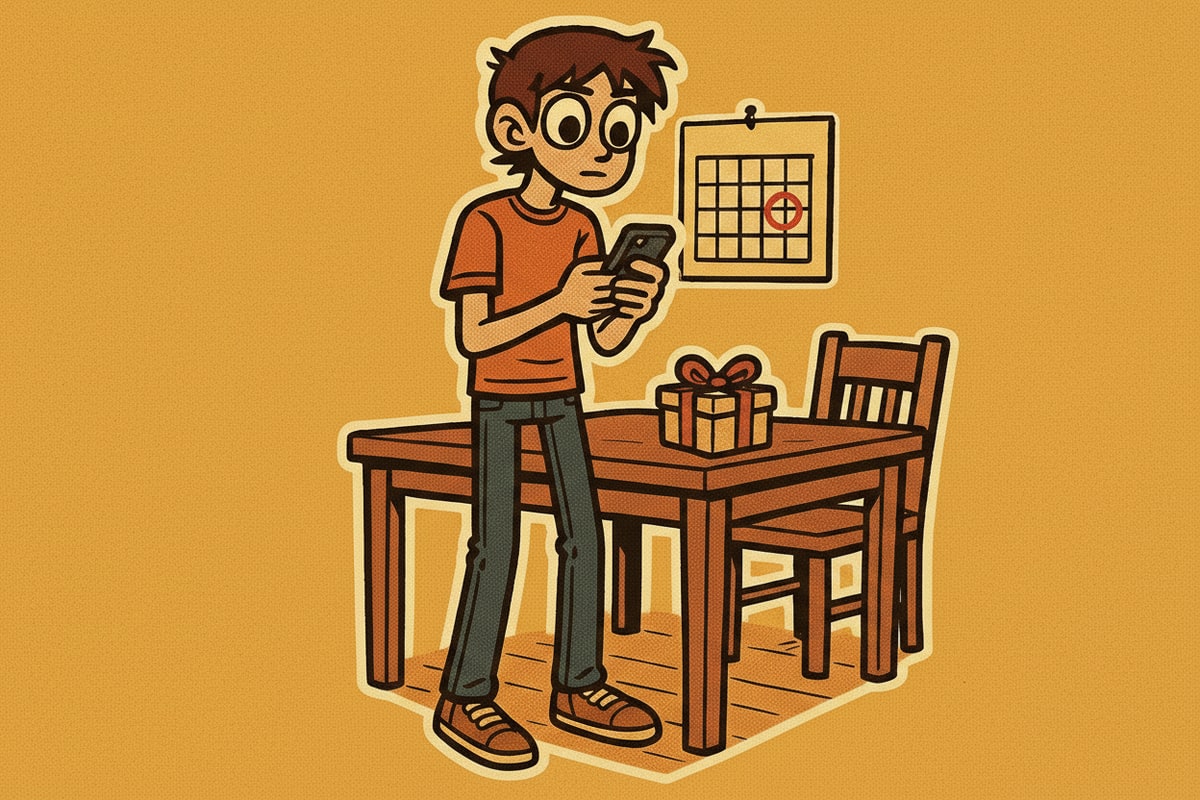
You find out it was your friend's birthday because they posted about their party. Or your mom mentions, a little too casually, that you forgot to call her on her birthday again. The date wasn't a secret. It just wasn't in front of you when it mattered.
This happens more than most people admit. A 2026 survey by Moonpig found that 61 percent of people forget birthdays or anniversaries simply because they have too much going on, and nearly half of 16-to-29-year-olds have forgotten a parent's birthday specifically. Forgetting isn't usually about not caring. It's that the date lives somewhere you only check once you've already remembered to look.
This guide covers the systems that actually close that gap, and how a texting assistant that remembers things for you removes the "remembering to check" step entirely.
Quick answer: The most reliable way to remember birthdays and important dates is to put them somewhere that reaches out to you ahead of time, not somewhere you have to remember to open. Contacts apps and calendar birthday fields help if you keep them updated. A texting AI assistant with memory goes further: mention a date once in chat and folk remembers it and reminds you a few days ahead, with no separate app to maintain.
Why do good systems still fail?
Most people already have a place they could track birthdays. The problem is rarely the tool, it's that the tool is passive:
- It requires you to open it. A calendar app only helps on the days you check the calendar.
- It requires upkeep. Contacts apps need the date entered correctly for every person, and new dates (a coworker's, a new partner's parents') get added inconsistently.
- It reminds you on the day, not before. Finding out today is someone's birthday at 11pm doesn't leave time to do anything about it.
A system that fixes all three has to reach you, stay updated with minimal effort, and give you lead time.
What actually works for remembering birthdays?
A few approaches, roughly in order of how much upkeep they need:
- Contacts app birthday fields. Both iOS Contacts and Google Contacts have a birthday field. Once filled in, Google Calendar and iOS Calendar can surface a birthdays view and send a notification. The catch: you have to enter every date yourself, and it's easy to skip this when you save a new contact quickly.
- Dedicated birthday-reminder apps. These add countdowns, gift-idea prompts, and import from your existing contacts. They work well but are one more app competing for a home screen slot you might not check.
- A shared family or partner calendar. Good for dates that matter to more than one person, like anniversaries, but only as good as everyone's willingness to add to it.
- Telling someone (or something) that remembers for you. This is the lowest-upkeep option: you mention the date once, in whatever conversation it naturally comes up, and it's held onto without you having to open a separate app at all.
How much lead time do you actually need?
The point of a reminder is not to know it's the day of. It's to have enough runway to act. A reminder that fires the morning of a birthday still leaves you scrambling for a card or a gift. Most people do better with:
- 3-5 days ahead for a birthday, enough time to order something or make plans.
- 1-2 weeks ahead for anniversaries or events that need a reservation.
- A same-day nudge as a backup, in case the earlier one got missed.
A good reminder system supports more than one lead time per date, not just a single alert.
How folk remembers dates for you
folk is the personal AI assistant that lives in your texts (iMessage, Telegram, and WhatsApp), and remembering things you mention is one of its core jobs rather than an add-on feature.
- You just tell it, once. Mention a birthday, an anniversary, or a renewal date in a normal conversation, like "my sister's birthday is October 3rd," and folk holds onto it as part of your long-term memory, the same memory it uses across iMessage, Telegram, and WhatsApp.
- It reminds you ahead of time, not just on the day. Set up a reminder with the lead time that actually helps, a few days before, plus a same-day nudge if you want one.
- It nudges you, never anyone else. folk's reminders and follow-ups only ever message you. It never texts the birthday person on your behalf.
- Recurring dates just work. Birthdays and anniversaries repeat every year without you re-entering anything, since they live in memory rather than a one-time alert.
- Snoozing is one word. If a reminder lands at a bad time, you can push it back with a quick reply instead of digging through an app's settings.
Because it's all in the same thread you already text in, there's no second app to open and no dashboard to check. You mention it once and folk handles the rest.
The bottom line
Forgetting a birthday usually isn't a caring problem, it's a system problem: the date sits somewhere you only check once you've already remembered to. Fix that by moving dates into something that reaches you ahead of time instead of waiting for you to look.
Set up contacts-app birthdays if you want to keep it manual, or get started with folk and just mention the dates that matter in a normal message. For reminders beyond dates, like appointments and one-off tasks, see how to set reminders by text message. For the other side of staying on top of your people and plans, see what an AI can do in your group chat for how the same memory works when more than one person is involved.
meet folk
The personal AI that lives in your texts - iMessage, Telegram, and WhatsApp. Free to start.