Alarm Apps That Call You Instead of Just Beeping
The best alarm apps and services that call you instead of just beeping, compared on cost, how persistent they are, and whether it's a real call.
 folk team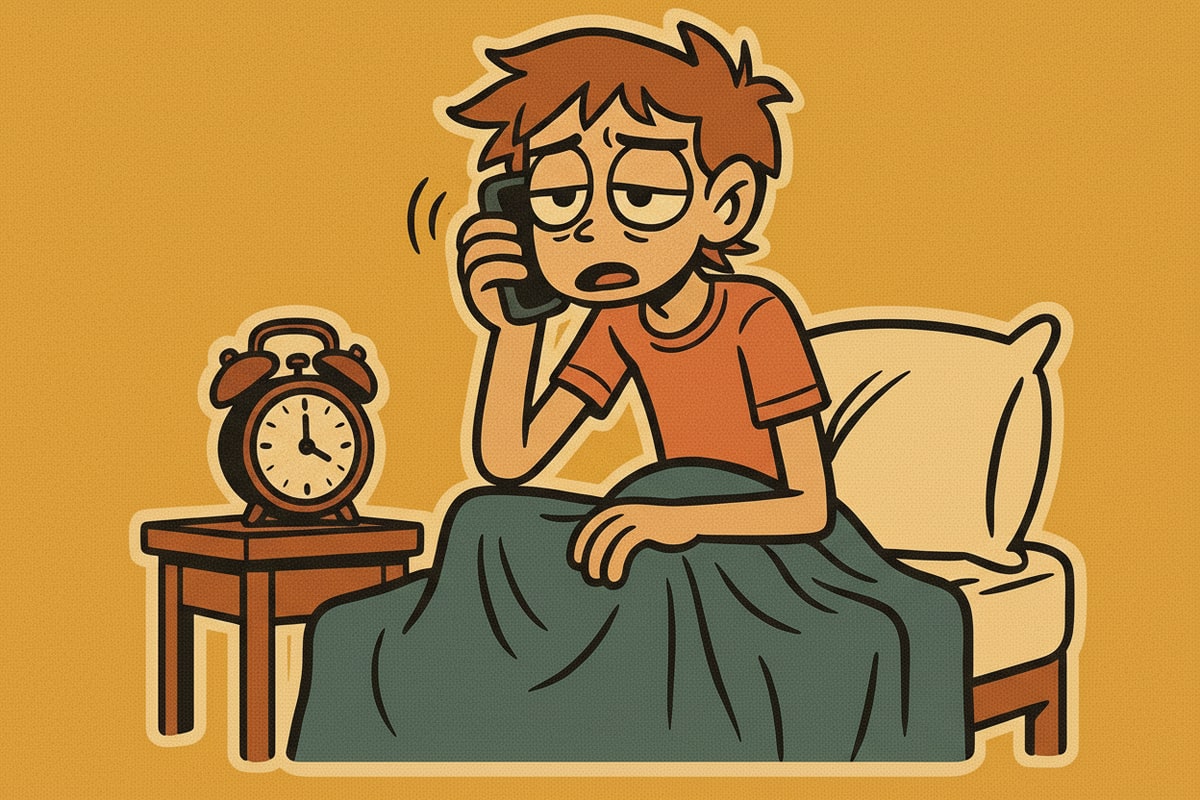
You've tried the loud ringtone, the phone across the room, the app that makes you solve a puzzle before it shuts up. Some mornings none of it works, because the entire design of a phone alarm is a sound that stops the instant you touch it.
A phone call doesn't have that off switch. A handful of services and apps exist specifically to call your actual phone number instead of triggering a local alarm, and they range from free one-off wake-up calls to a paid assistant that can talk back.
This is a comparison of the ones that genuinely place a call, what each costs, and how persistent they actually are once your phone starts ringing.
Quick answer: WakeupDialer is a free, one-time wake-up call for US and Canada numbers with no sign-up. Better Wake-Up Call runs $5.99 a month and keeps calling every 9 minutes until you answer. ReminderIt and WakeCall both offer AI-style call reminders with a free tier. For a call that's also a two-way conversation from an assistant that already knows your day, folk can call your own number and keeps calling until you sound awake.
Why does a phone call wake people up better than an alarm?
A phone alarm's entire job description ends the moment you dismiss it. You tap "stop" or "snooze," the sound disappears, and your half-asleep brain has completed the only task the alarm asked of it. There's no follow-through required.
A call flips that. Answering isn't the end of the interaction, it's the start of one, and letting it ring out or hanging up on a live call takes more conscious effort than swiping a familiar tone into silence. That's also why puzzle-based apps like Alarmy exist: they're a workaround for the same design flaw, forcing an action harder than a single tap before the noise stops. A real call gets there more directly, by not being a sound you own the off switch to in the first place.
Which apps and services actually call your phone?
Four options that place a genuine phone call rather than a local alarm tone:
- WakeupDialer - completely free, no app or sign-up. You enter your phone number and a wake time on its website and it calls once, playing a recorded greeting. It covers US and Canada numbers only and is built for a single call, not a nightly routine, and the service disclaims responsibility if a call doesn't go through.
- Better Wake-Up Call - $5.99 a month after a 5-day free trial, aimed at recurring use. It calls at your scheduled time and, if you don't pick up, keeps calling roughly every 9 minutes, plus an optional "challenge question" to confirm you're actually awake before it stops.
- ReminderIt - a free tier with a limited number of calls a month, plus a paid plan for more volume. You set the time and a custom spoken message, and it can also deliver the same reminder over WhatsApp as a backup.
- WakeCall - places an AI-voiced call with no app required, and includes a free trial call before you commit to a plan.
None of these are alarm apps in the traditional sense. They're calling services, which is exactly the point: the call comes from outside your phone's own alarm clock, so there's no "just silence the app" option.
How do free wake-up call services compare to paid ones?
The free tier across these services (WakeupDialer's one-time call, ReminderIt's limited monthly calls, WakeCall's trial) is enough to test whether a phone call actually works better for you before paying for anything. If a single test call doesn't wake you, a subscription probably won't fix that on its own.
Paid tiers buy persistence and recurrence: Better Wake-Up Call's repeat-every-9-minutes behavior and ReminderIt's higher call volume both exist because a single ring, free or not, still fails against a heavy sleeper some mornings. That's the actual trade you're making, not features, just how many times and how insistently something is willing to call back.
What does an AI assistant add that a dedicated wake-up call service doesn't?
Every service above places a call and plays a message. None of them can hold a conversation, and none of them already know anything about your day.
folk, the personal AI assistant that lives in your texts (iMessage, Telegram, and WhatsApp), can call your own verified number the same way, with a few differences:
- It's two-way. You pick up and folk talks to you out loud, and you can actually respond, ask what's on your calendar, or tell it you're up, instead of hearing a fixed recording.
- You set it by texting, not through a separate website or app. Something like "call me at 7am tomorrow and don't stop until I sound awake" is enough, in the same thread you already use for reminders.
- It's the same assistant, not a separate account. There's no new sign-up for a wake-up call specifically, since it's one more thing you ask the assistant you already have.
- It's capped and calls only you. Pro includes 60 call minutes a month across up to 8 calls a day, Max includes 150 minutes across up to 15 calls a day, and it's a paid feature, on the free plan folk tells you calling is locked instead of quietly failing. See plans. It only ever rings your own verified number, never anyone else's.
If the appeal of the dedicated services above is "something outside my phone calls me," folk gets you that plus a call that can actually respond to what you say, without a separate app for wake-ups and another thread for everything else.
The bottom line
A free one-time call from WakeupDialer is worth testing before you pay for anything, and a $5.99-a-month persistent caller like Better Wake-Up Call solves the problem for a lot of heavy sleepers on its own. Where they stop is a fixed recording with no idea what's on your calendar.
If you'd rather the call come from the same assistant handling the rest of your day, set up a wake-up call with folk and keep a regular alarm as backup until you trust it. For the mechanics of why a call beats a snooze button in the first place, see an AI wake-up call instead of an alarm, and for another moment worth a call over a text, can an AI call you if your flight is delayed.
meet folk
The personal AI that lives in your texts - iMessage, Telegram, and WhatsApp. Free to start.